The mode dial is a feature on your camera that has all the different settings. It has Manual mode, Aperture Priority mode, Landscape mode and so on. There are 2 different zones, the Basic Zone and the Creative Zone. The basic zone is also known as the “mindless” mode because the camera controls everything. The Creative Zone is where you take control and can change the different settings like Aperture, Shutter speed, and ISO.
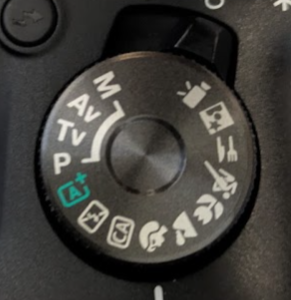
The Basic zone (Scene modes)
No Flash: Auto mode, but the flash is forbidden. (Good for museums)
Green Program/ Auto: The “mindless” mode. The camera controls everything.
Portrait: Blurry background. (Camera picks a large aperture like f/2.6)
Landscape: Sharp foreground and background. (Camera picks a small aperture like f/15)
Macro; For close-ups. (Emphasizes faster shutter, similar to Portrait)
Sports: Freezes action. (Camera picks fast shutter speed like 1/1000)
Night (party): For dark scenes. (uses flash and a slow shutter speed)
The Creative Zone (The “Big Four)
P (Program Shift): The he “training wheels” of the creative zone. (Camera pics both shutter and aperture for good exposure)
Tv (Time value/shutter priority): You set the Shutter Speed, the camera sets the aperture (Use this when: Freezing motion (sports or blurring motion)
Av (Aperture value/priority): You set the aperture, the camera sets the shutter speed (use this when: controlling DOF is your #1 priority)
M (Manual): You control everything: Aperture, Shutterspeed, ISO
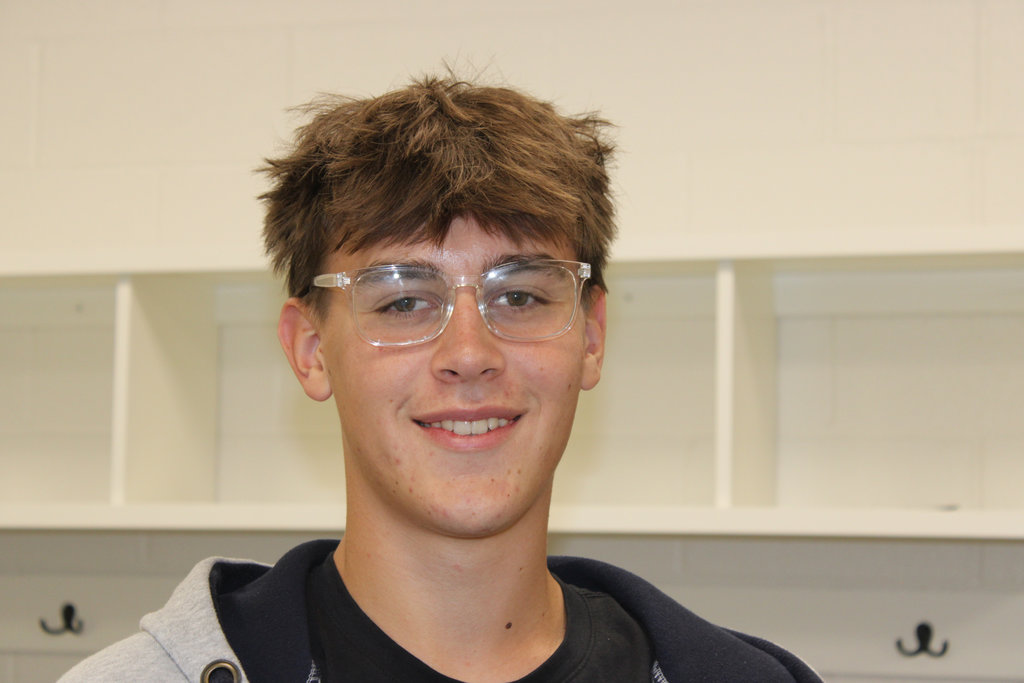
For this picture I used Portait mode. What I might do differently next time is let the camera focus more on the subject.
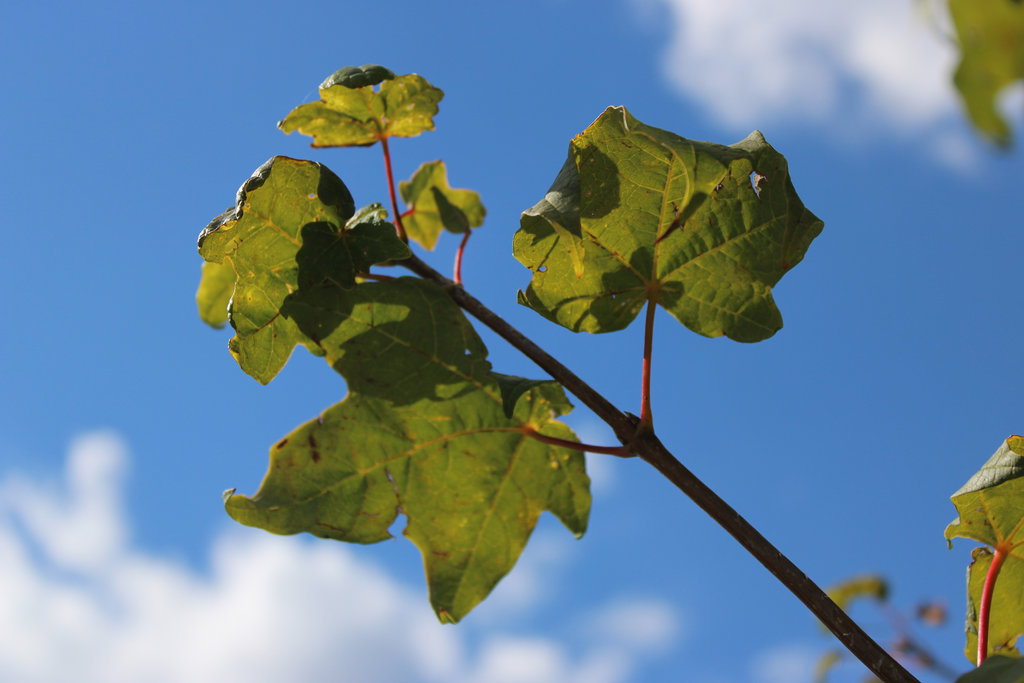
For this picture I used Macro mode or close-up mode. Next time I might add more green on the right instead of having like two leaves be in.
This picture was taken on the night mode. The only thing I don’t like about it is the fact that it isn’t night.
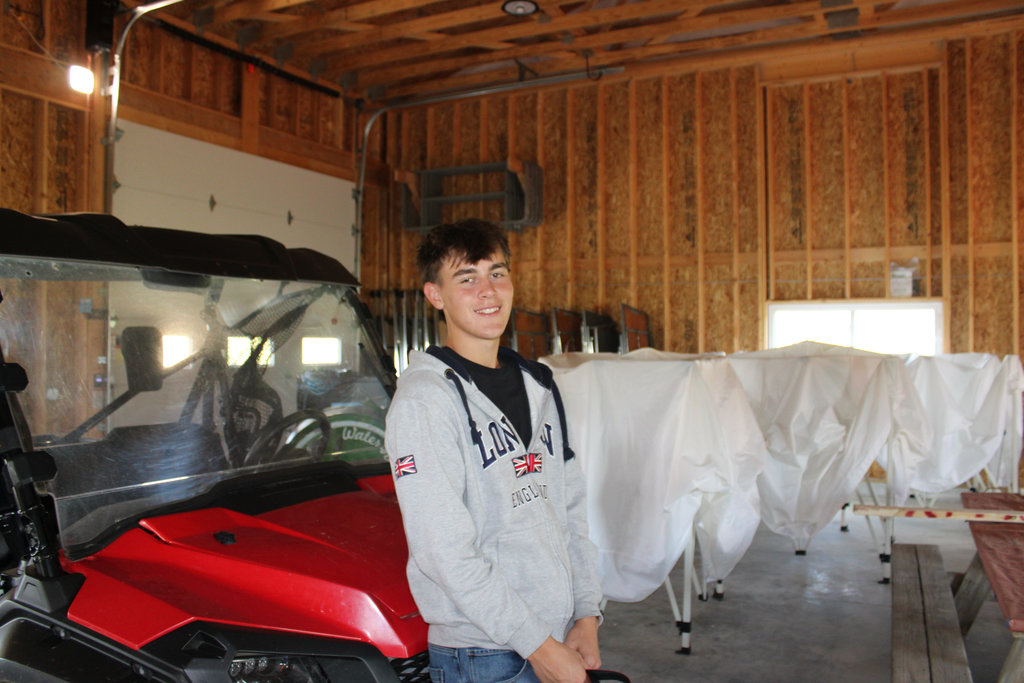
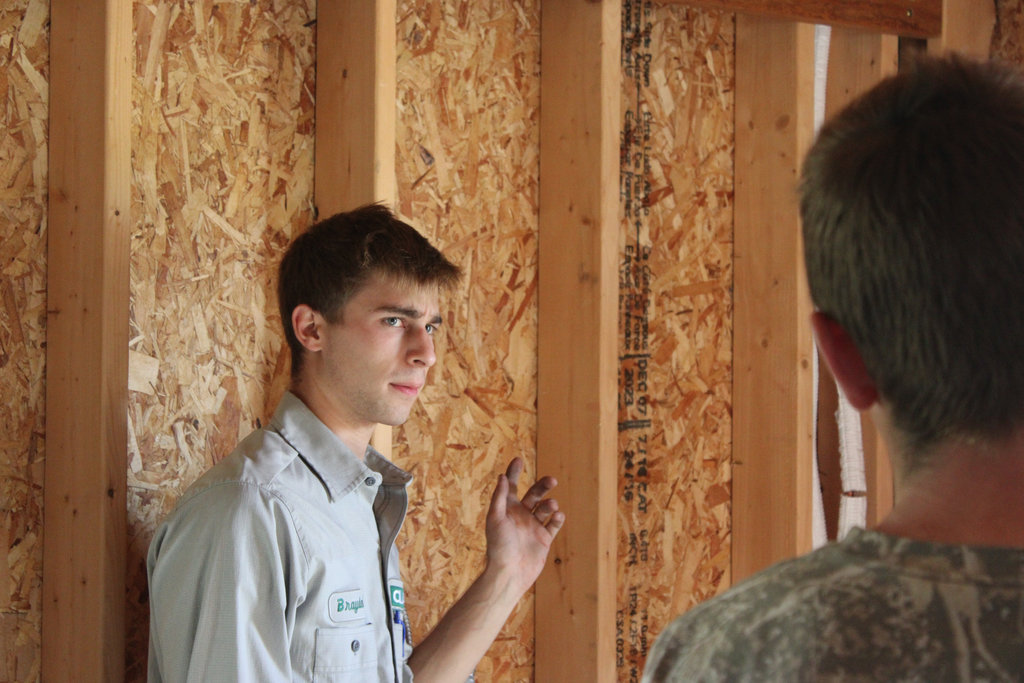
This picture was taken on the no flash mode because I didn’t want to distract the students with a camera flash. Next time I would probably get a better angle.
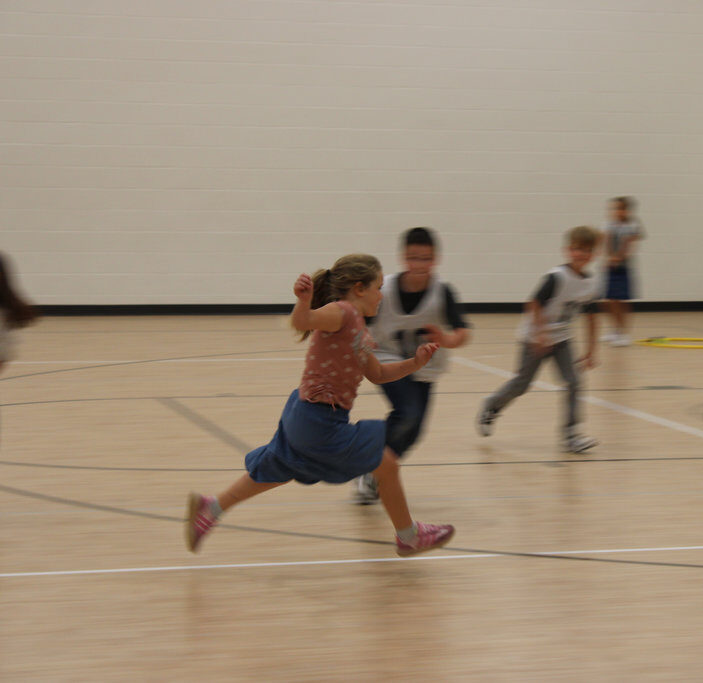
This picture was taken on sports mode. Next time I would make it so the feet aren’t blurred and the main subject to be clearer.
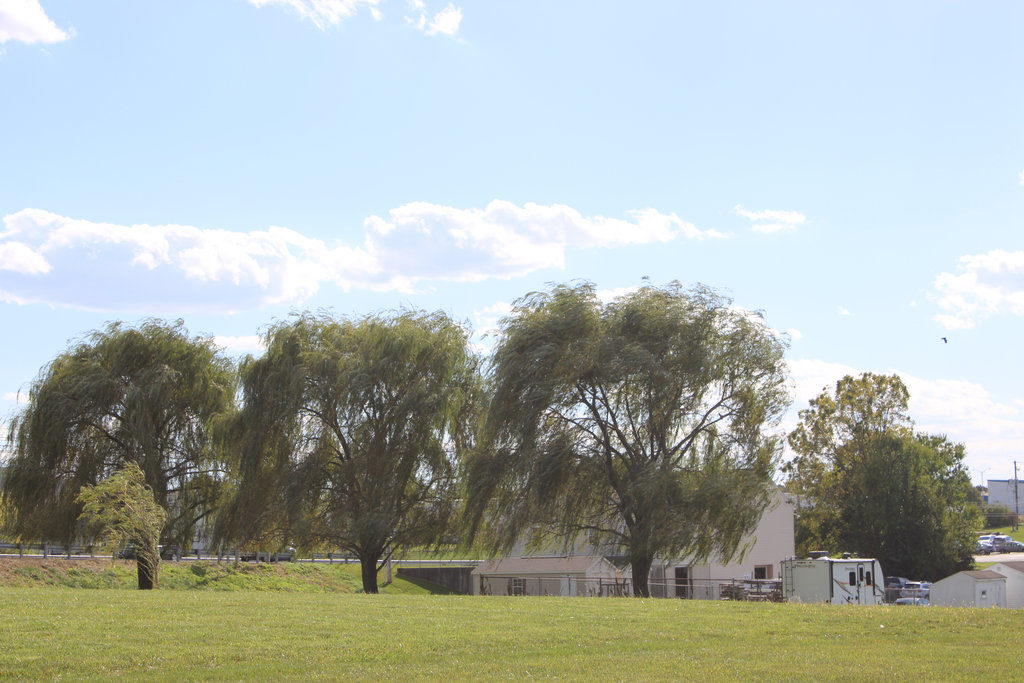
I took this picture on the Landscape mode. One thing I would chahge is making the trees less blurry.
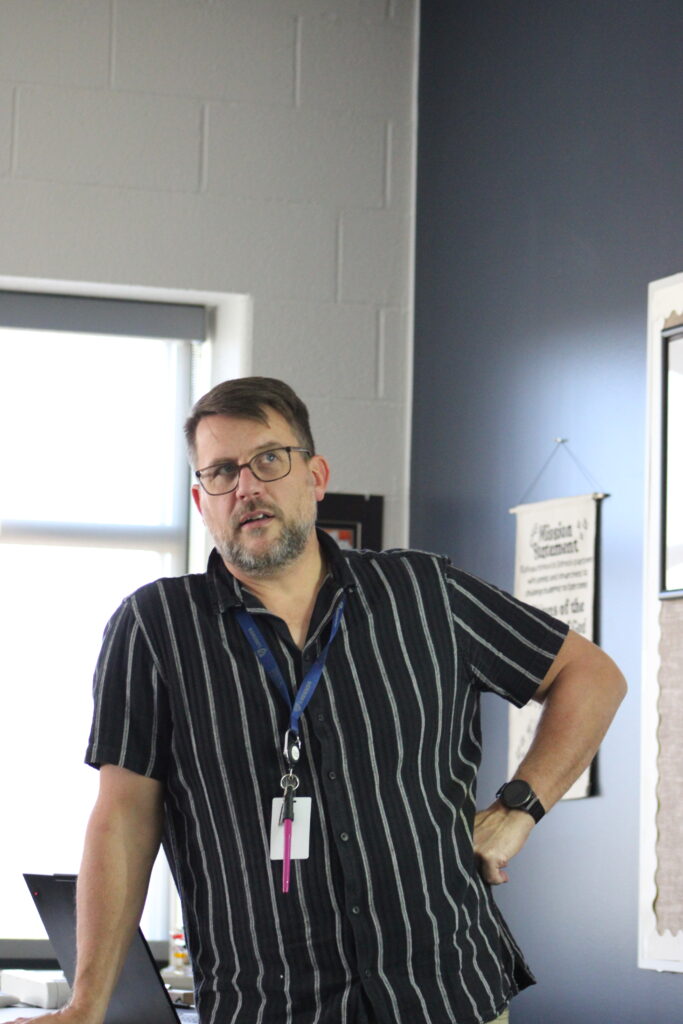
I took this picture on the auto mode. Next time I would let the camera focus more before I take the picture
Conclusion
The mode that felt the most natural to use was probably the auto mode because you can kind of use it for anything.
When might you choose a manual mode over a automatic mode? A time to use a manual mode is when you want something specific for your picture (tone, mood, action)
Featured Image
I chose this as my featured image becuase I like how isolated it is. I also like the contrast from green to a blue background and the white clouds on the sides but not behind the green.