The ISO conrols the sensor sensitivity. If you want a brighter picture with more “noise” you should set a higher ISO but if yoou want a cleaner image yous should use a lower ISO. When using a lower ISO the picture may need more light. The pictures below are taken with different ISO values. They may look the same but if you look closer you can see some differences.
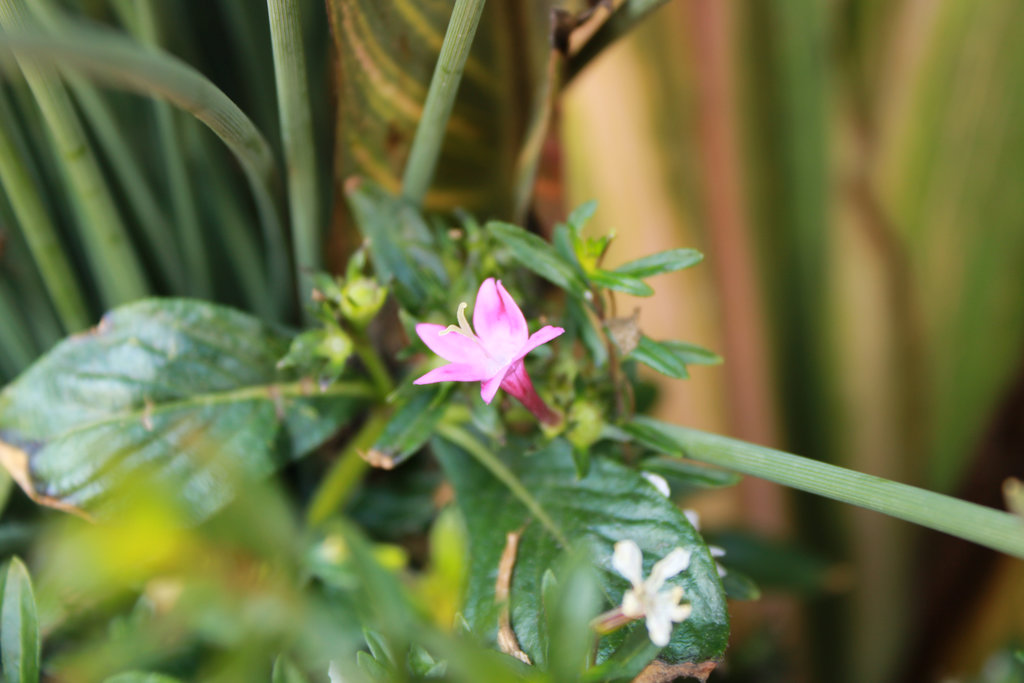
This photo was taken with a low ISO
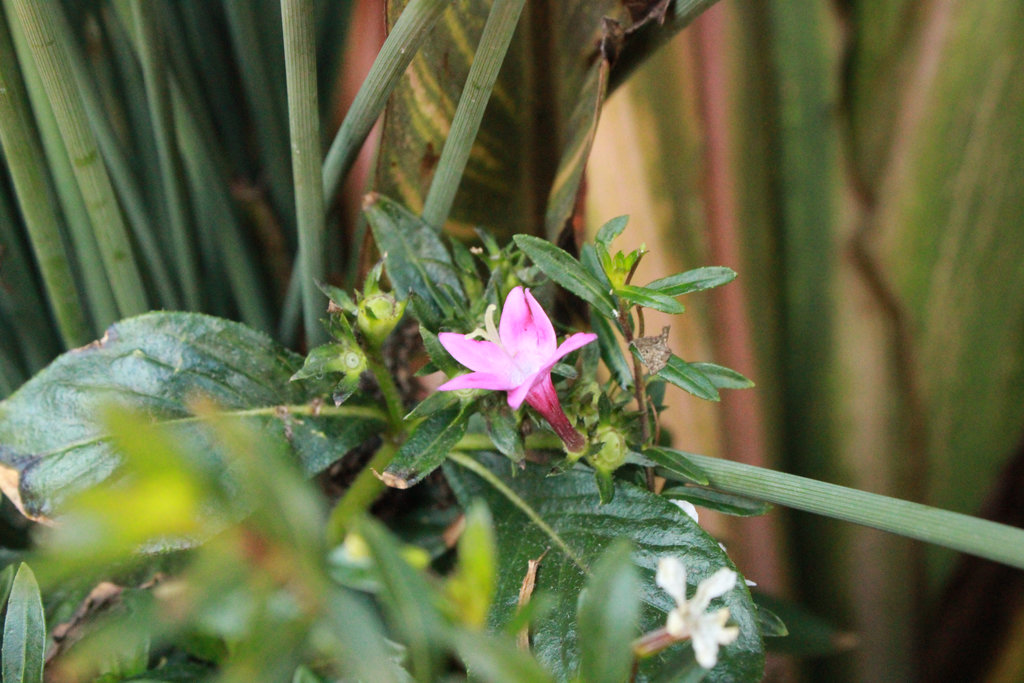
This photo was taken with a higher ISO
You can use the white balance modes to adjust the color temperature. This can make whites look more whit and can also change the overall tone of the picture. The common modes are Tungsten (or incandescent), Flourescent, Daylight, Cloudy, Shade, and Flash.
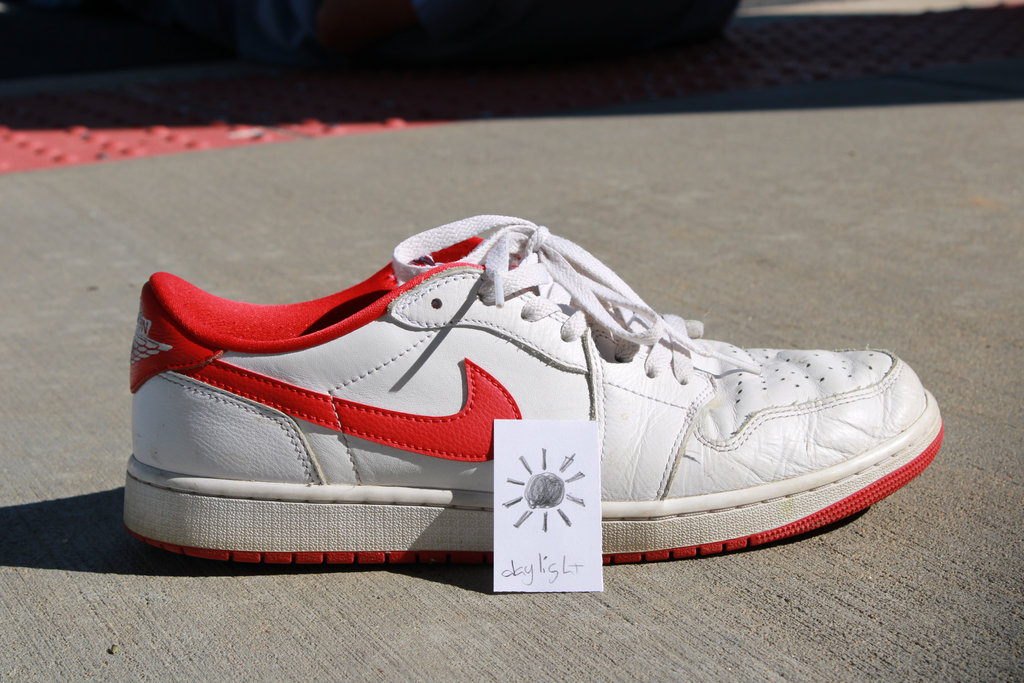
This was taken in the daylight mode.
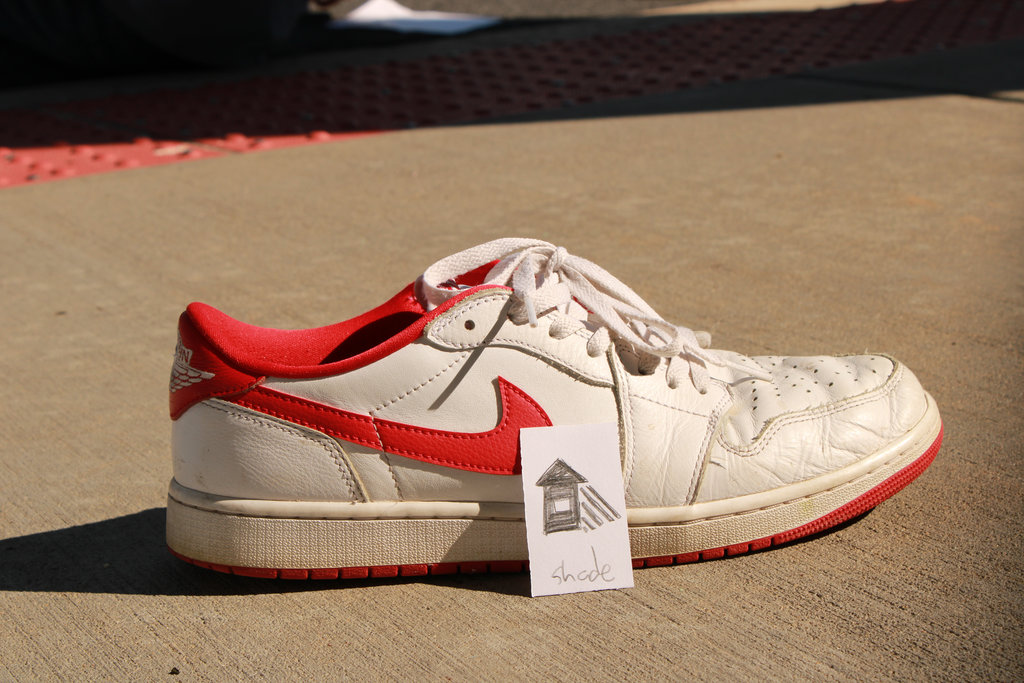
This was taken in the shade mode.
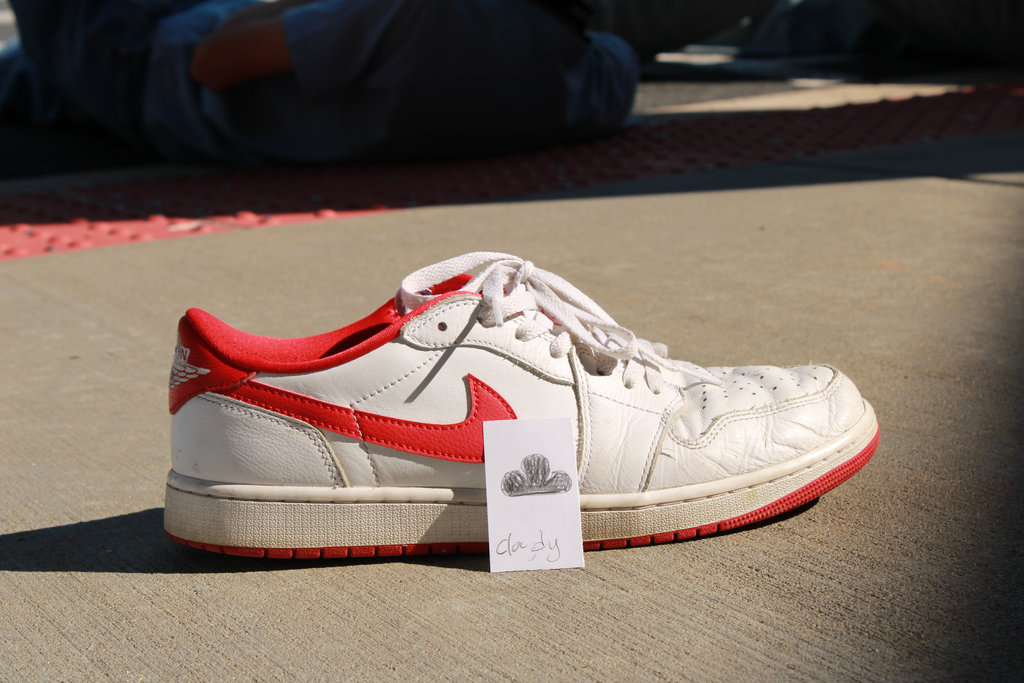
This was taken in the cloudy mode.
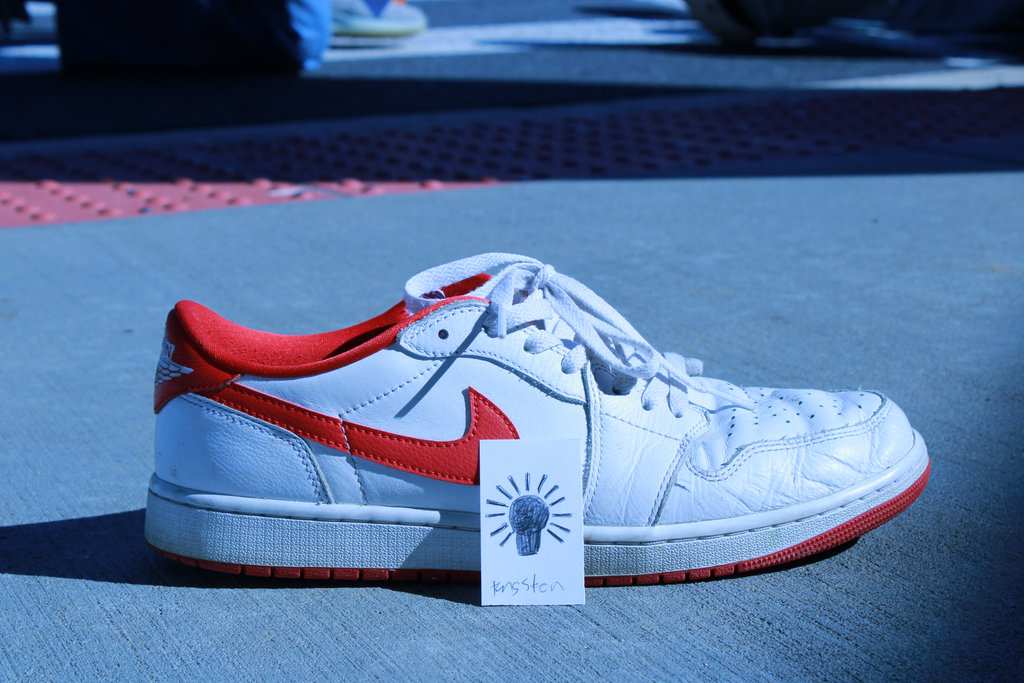
This was taken in the tungsten mode.
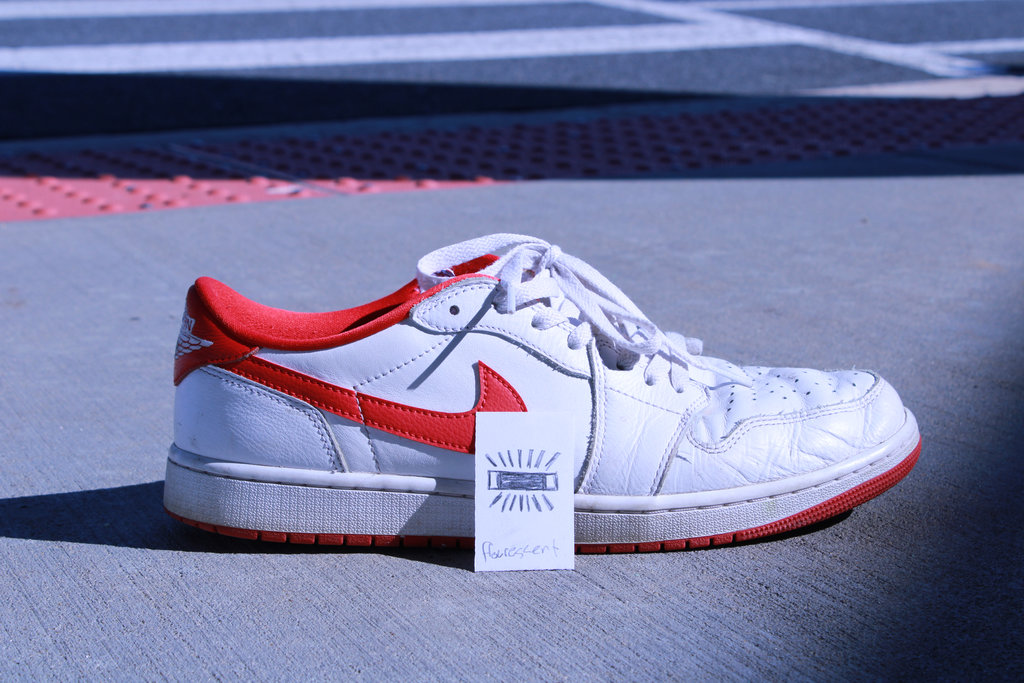
This was taken in the flousescent mode.
Taking multiple shots of the same scene at different exposure values is called bracketing. I used the exposure values -1, 0, and +1. Using bracketing makes sure that at least one of the pictures has a good exposure. I also used automatice exposure bracketing (AEB) which sets the camera to take three shots at three different exposures.
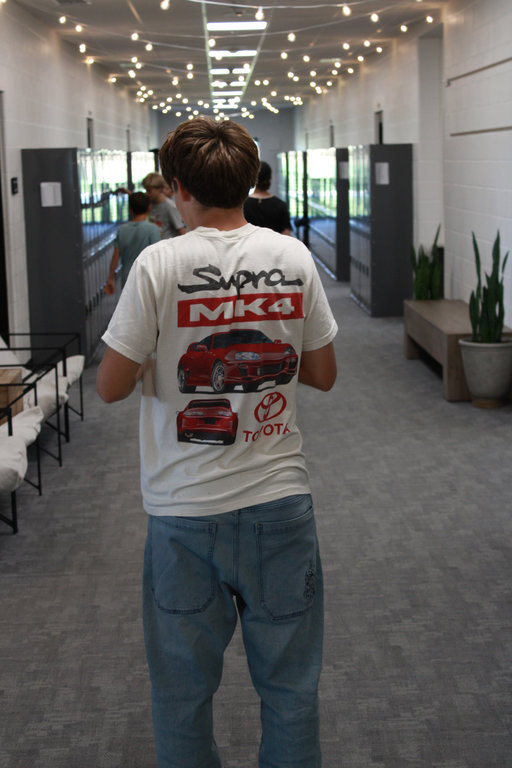
This photo was taken at -1 exposure value.
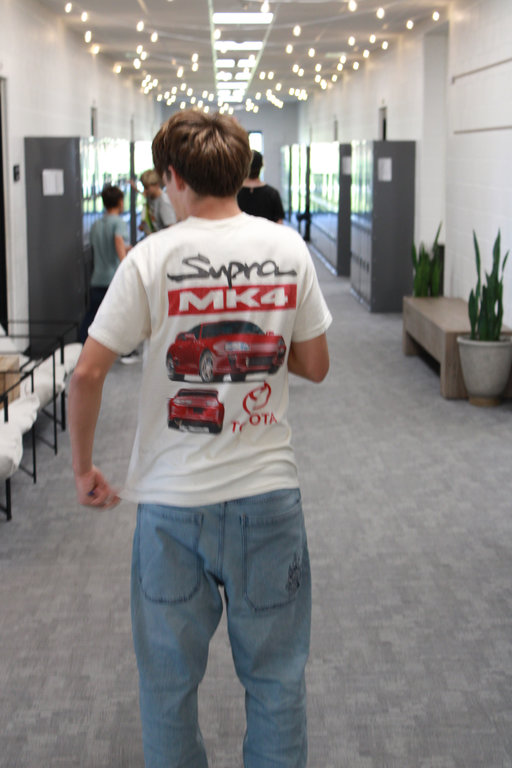
This photo was taken at the recomended exposure value.
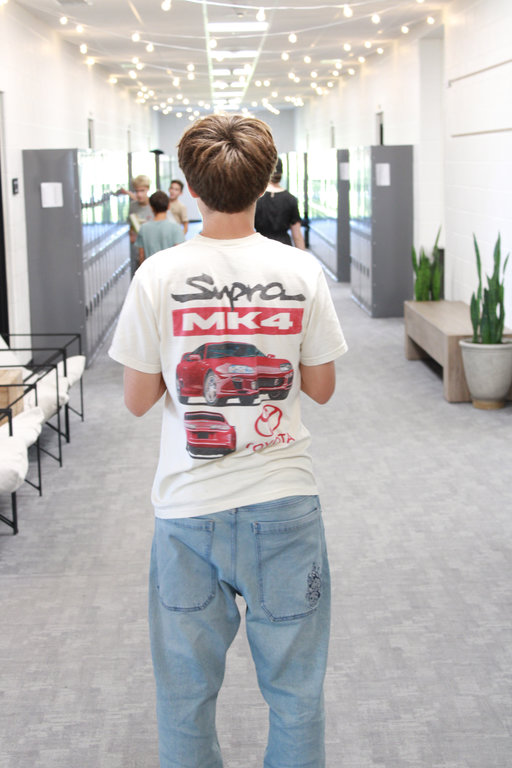
This photo was taken with +1 exposure value.
I usually like the recomended exposure value out of these three.
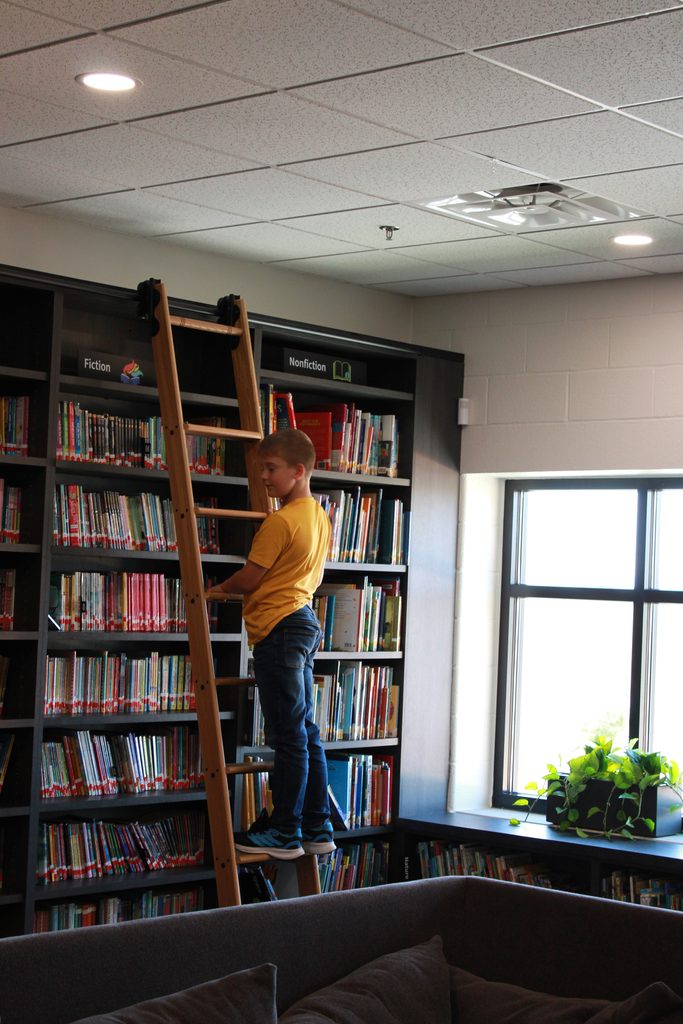
This is my favorite picture from the ISO, white balance, and bracketing. I like it becasue it was taken at +1 exposure value which is higher than the recomended value but I think that it looks better.